DokLocker

IT documentation for MSPs and IT teams

Documentation that keeps itself up to date.

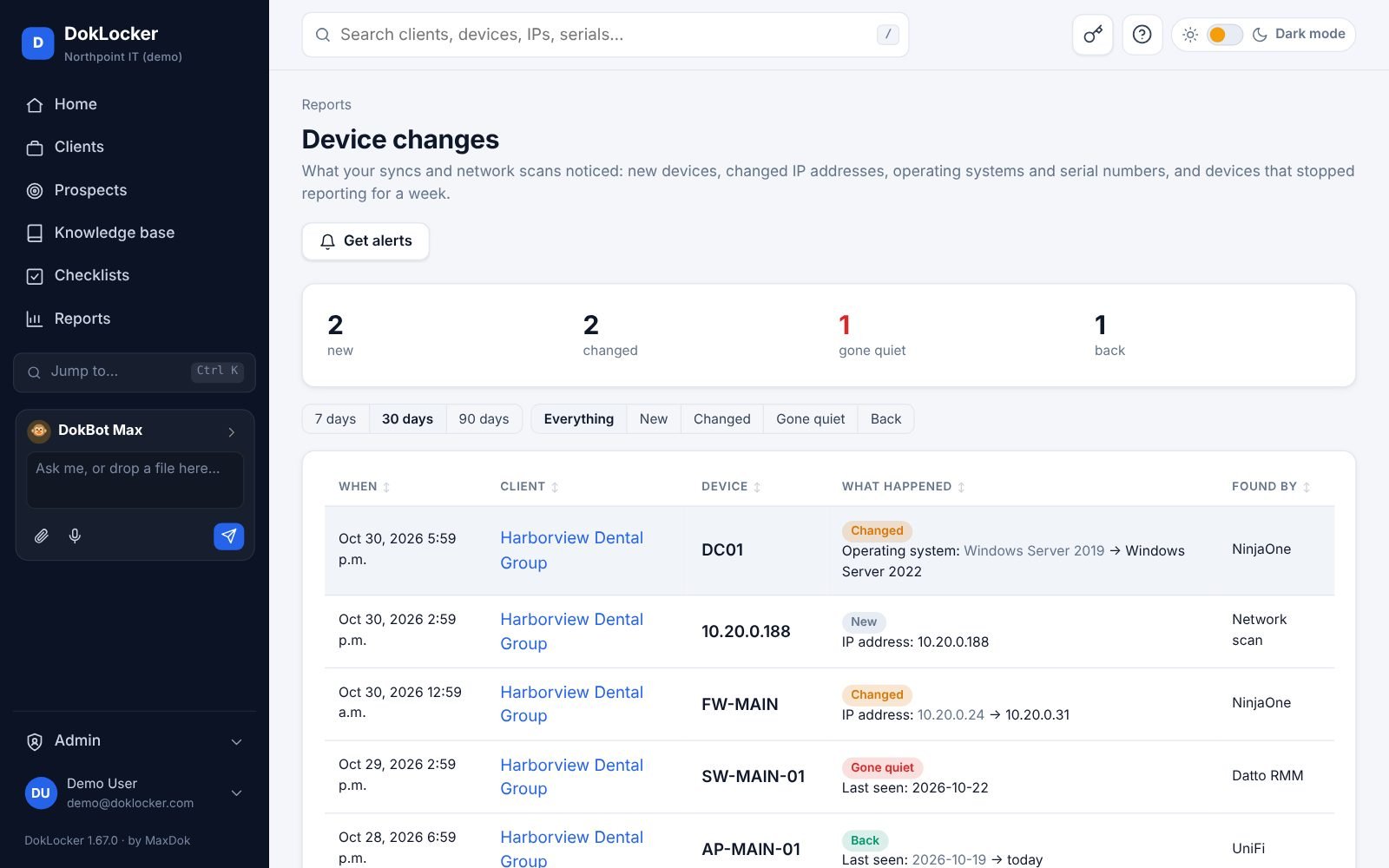
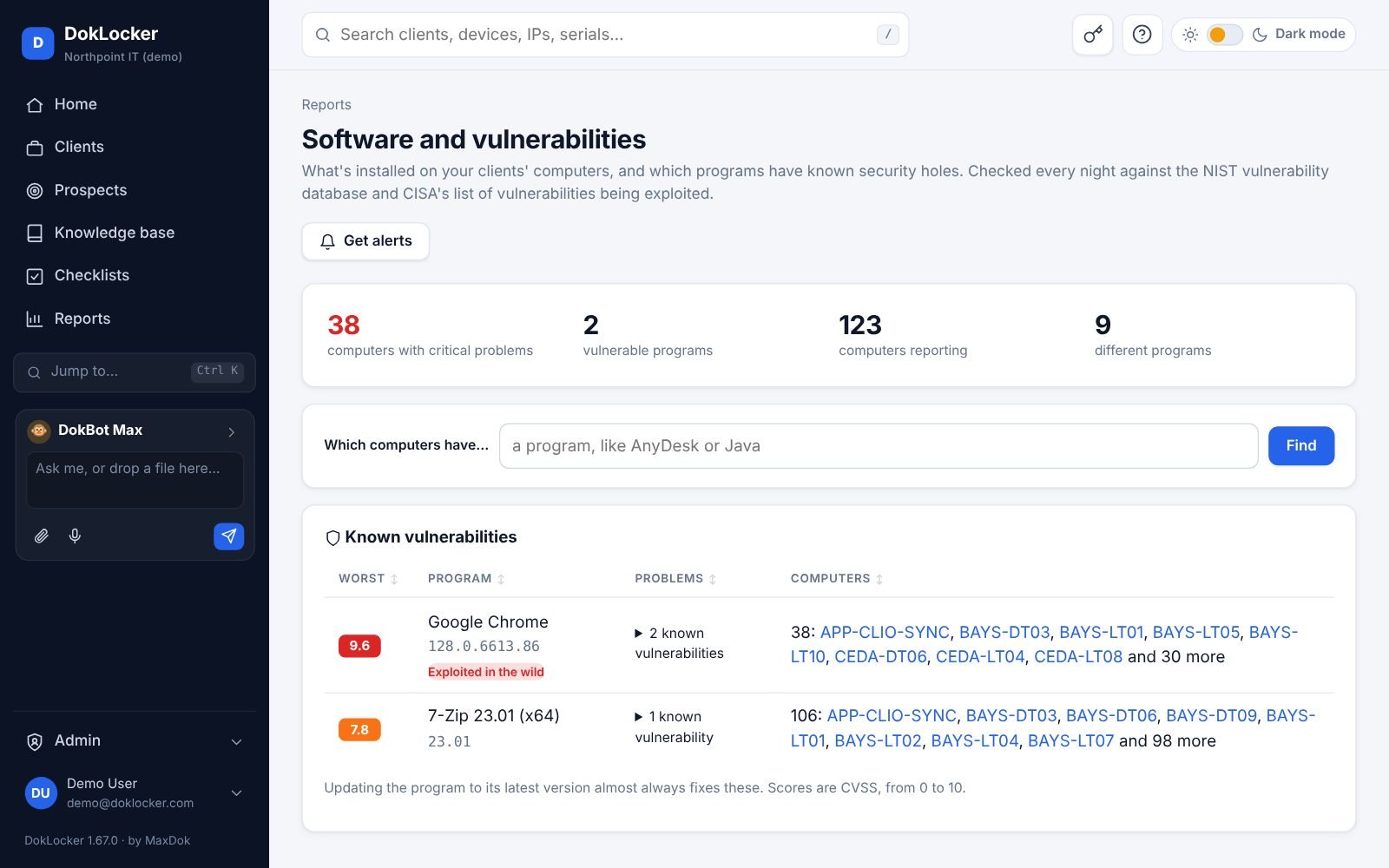
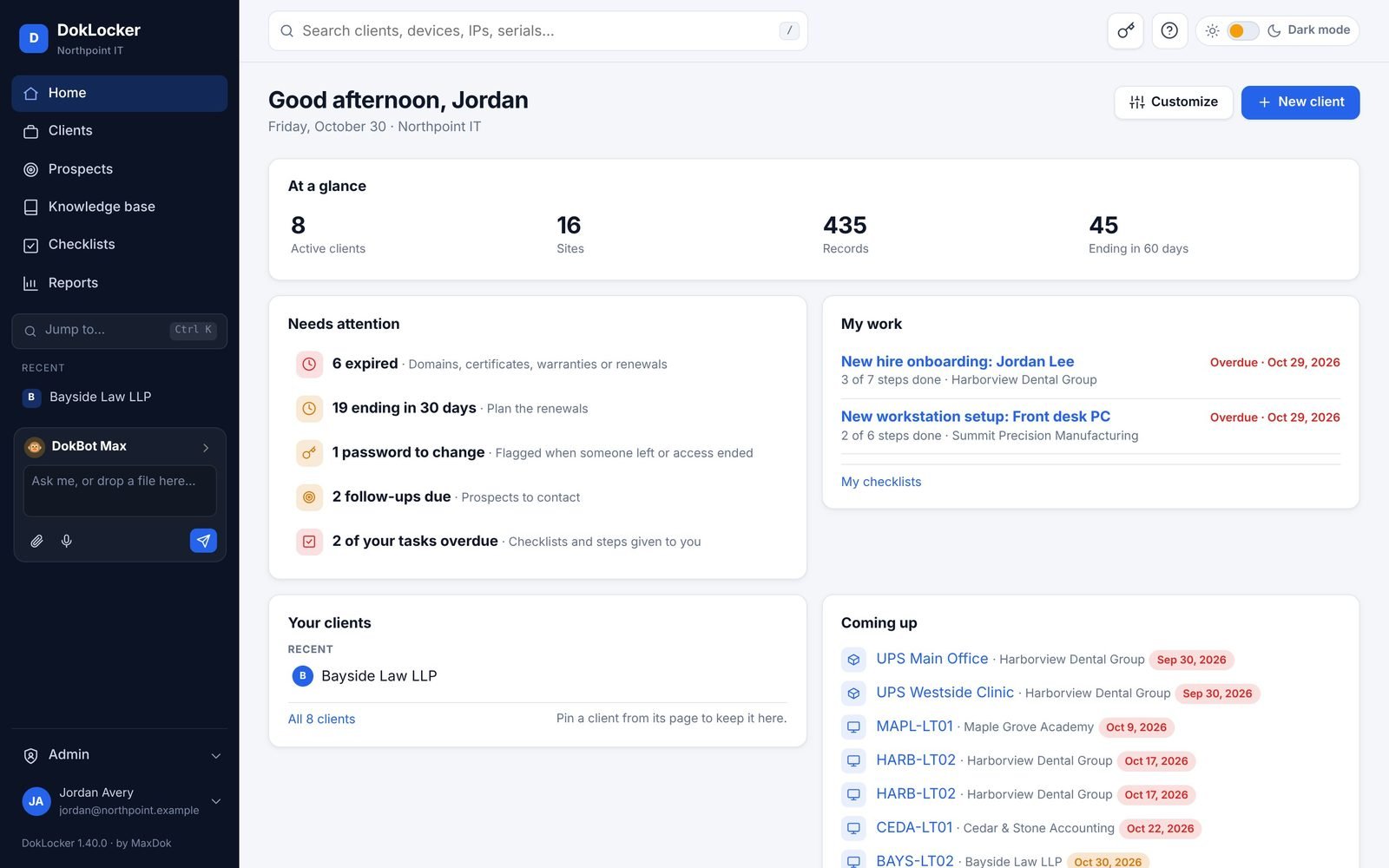
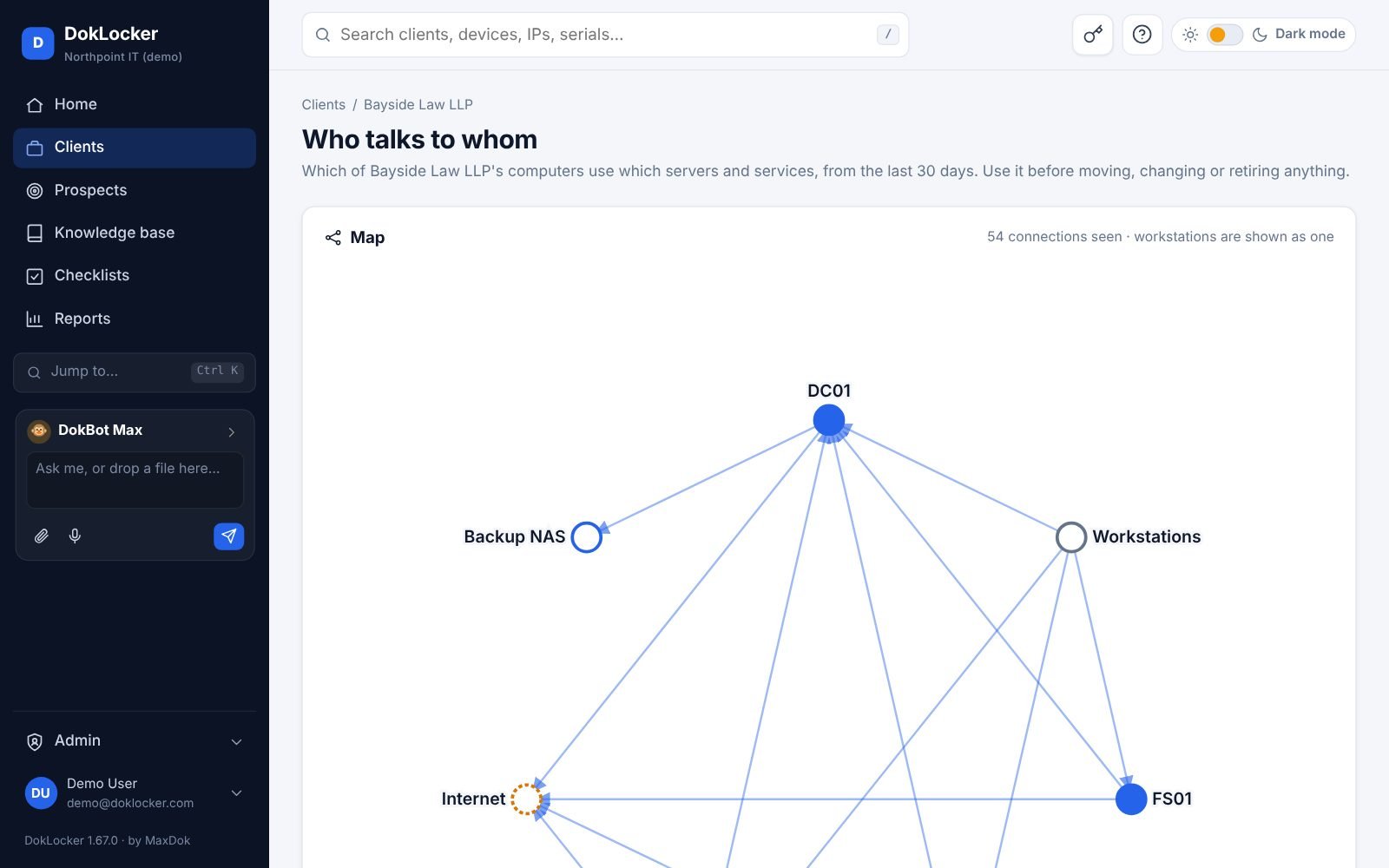
Every client's network, devices, passwords and contacts in one place, filled in by your RMM, PSA and monitoring tools, and checked for you every night.

Drop in photos, spreadsheets and PDFs; DokBot writes the recordsSwitch from IT Glue or Hudu in an afternoon Cloud or self-hosted, same price No minimums, no contracts
86integrations
15 minlive device status
NightlyAD, network and VM sync
1 clickimports from IT Glue and Hudu
The product

Everything your techs look for, where they expect it.

Fast to search, quick to update, and laid out the way IT people think.

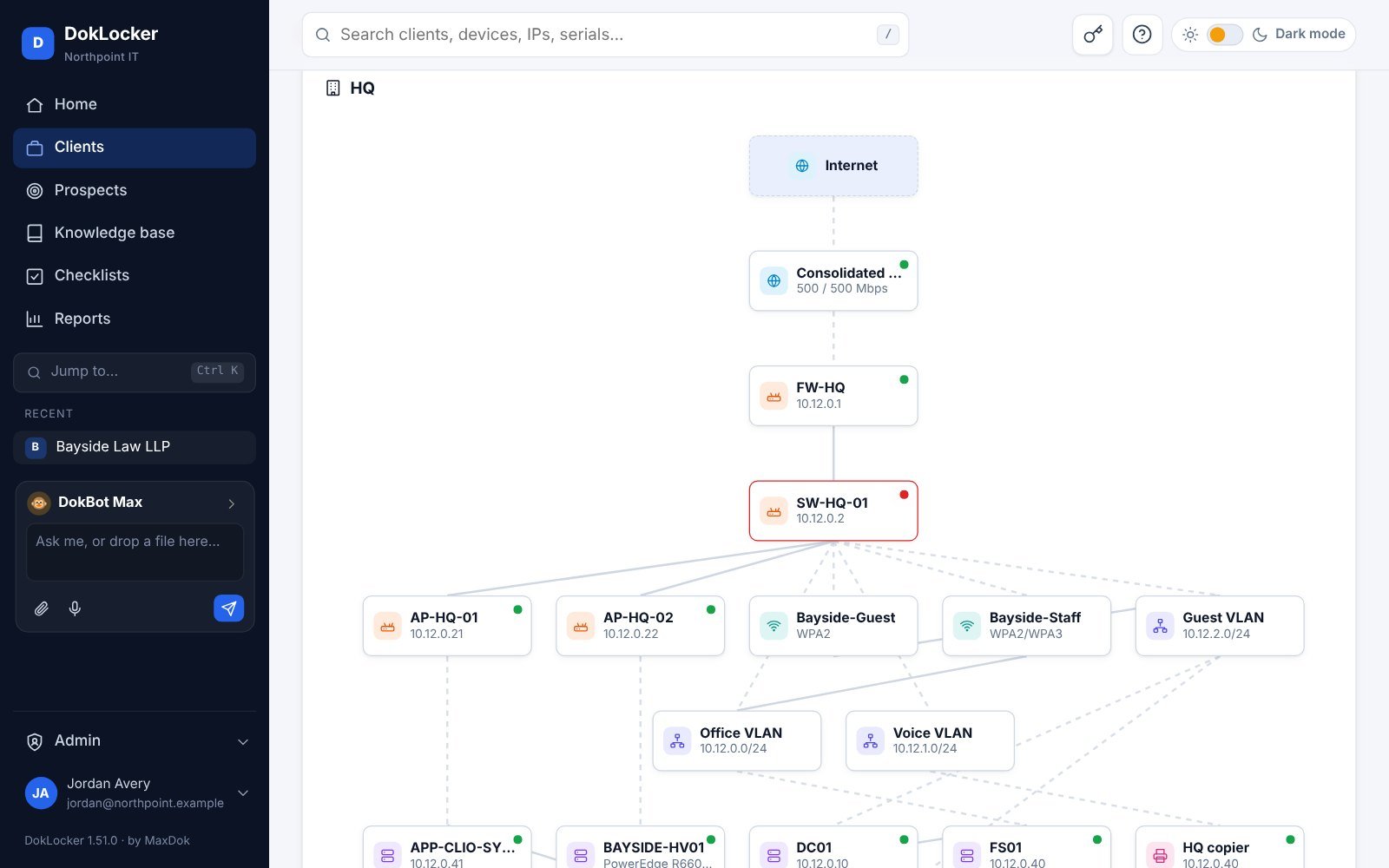
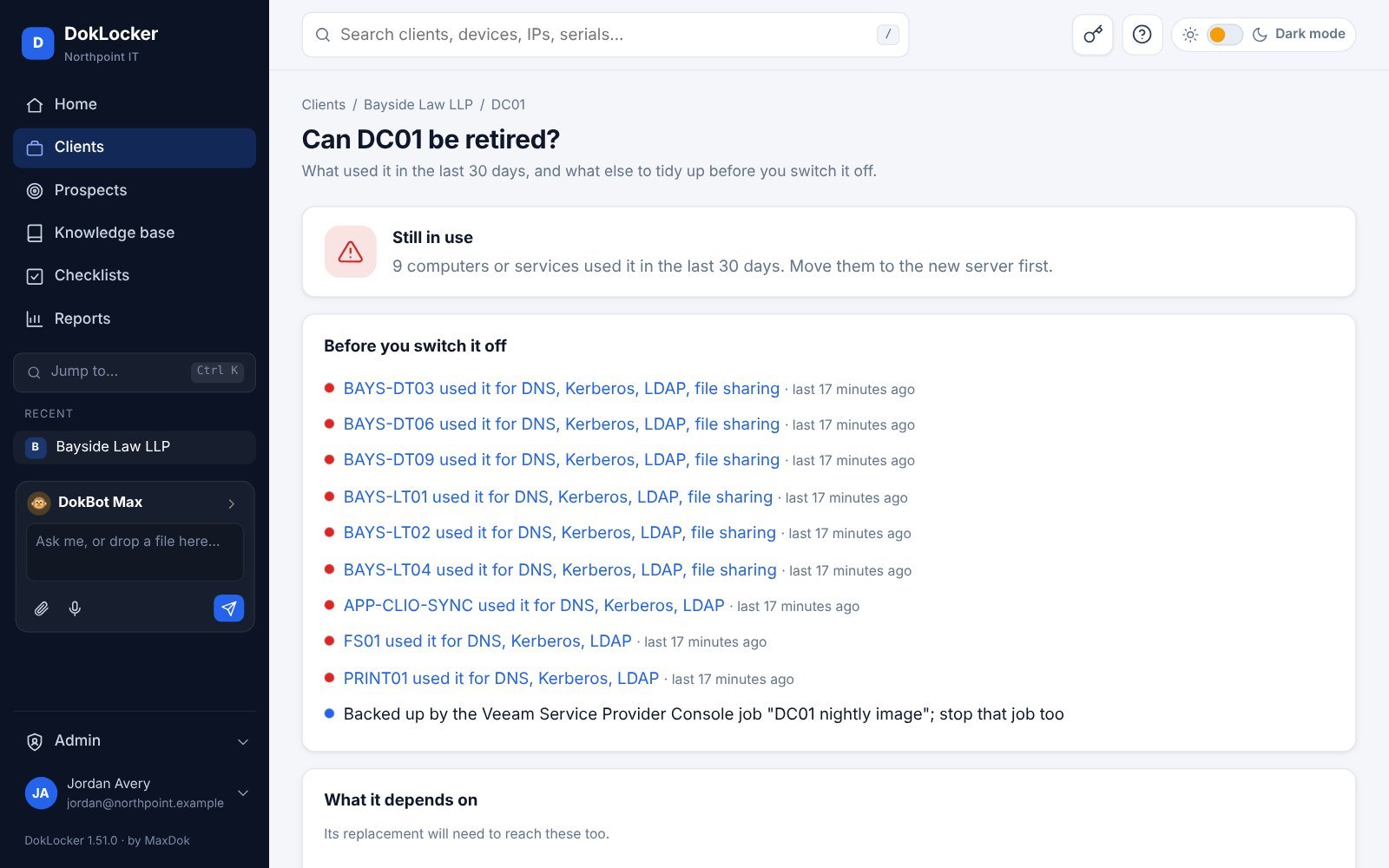
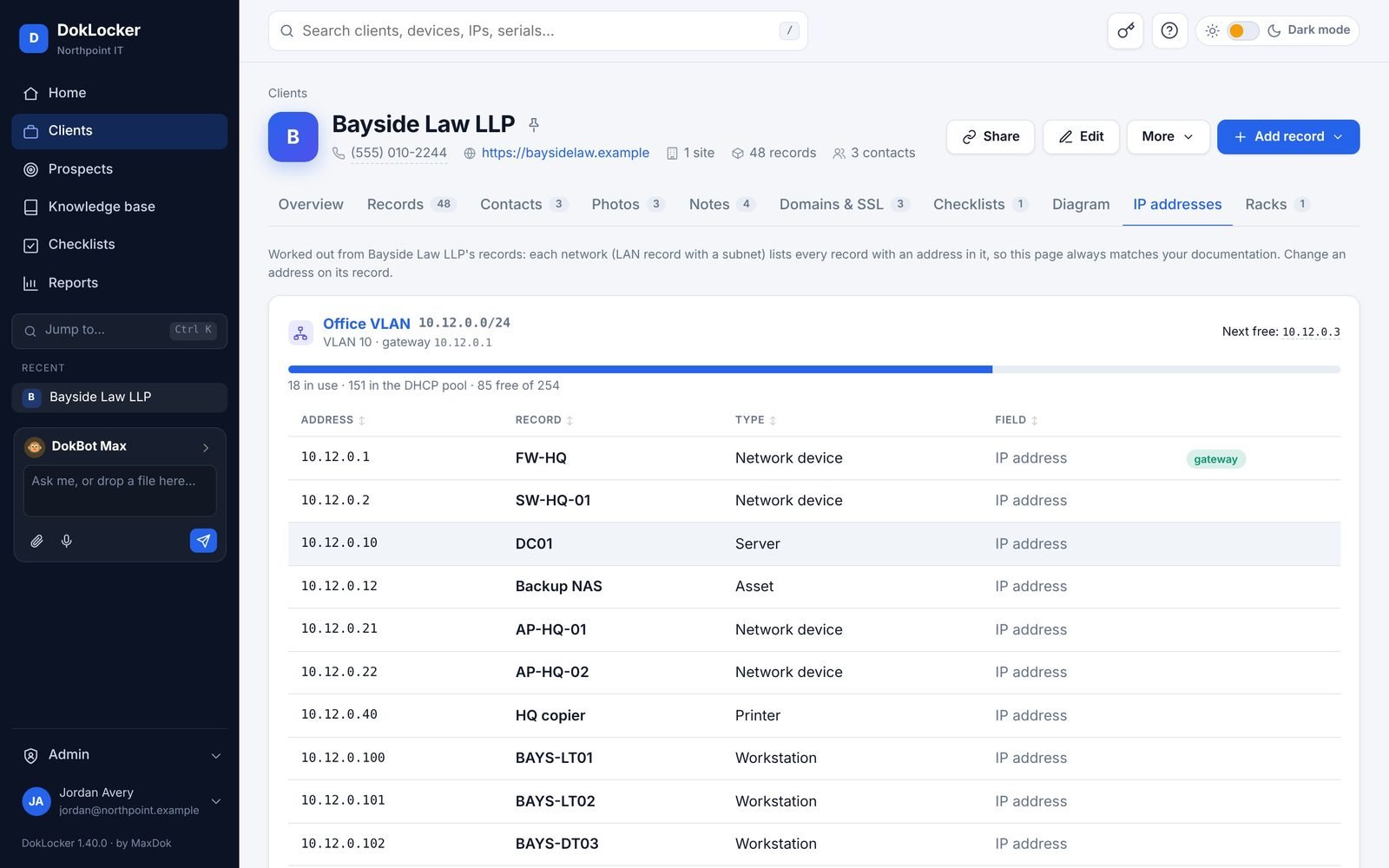
Every device, password and procedure, with the facts that matter.

Records hold the details, passwords, files, photos and links for each device, with full version history and a "still correct" check.

  • Encrypted password vault with history and rotation
  • Templates for anything you document
  • Knowledge base, checklists and runbooks
  • Bulk edit hundreds of records at once
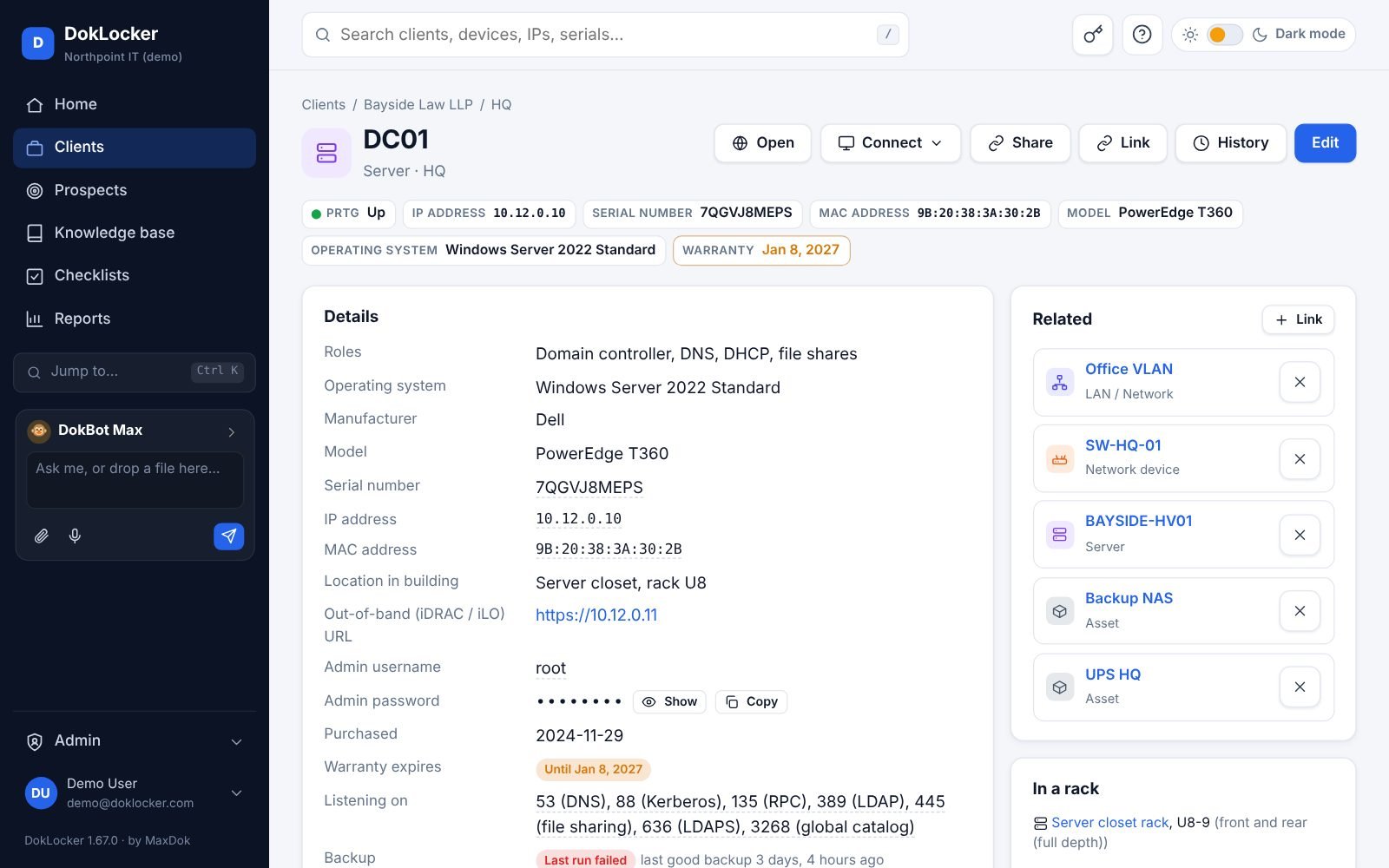
A domain controller record: details, a hidden admin password with Show and Copy, and related records

Switch without the pain

Moving over takes an afternoon, not a project.

Bring everything, keep every password, and see it all before anything is saved.

01Connect your old tool

Upload an export or paste an API key.

IT GlueHuduPassportalConfluenceCSV
02Check the preview

Every organization, asset, password and article, counted and matched to your clients.

48 clients2,316 assets1,204 passwords
03Live in DokLocker

Turn on your RMM and PSA and the records keep themselves up to date from here on.

Switching from another tool? Your first 3 months are free. We'll help you move →
View all 86 integrations →Plus a REST API and MCP server for everything else.

Security and hosting

Built like it holds the keys to every client.

Because it does. Passwords are encrypted, every view is logged, and you decide who sees what.

MFA and single sign-onAuthenticator apps, Microsoft, Google, Okta, SAML and Active Directory.
Security groupsLimit clients, folders and passwords by team, with access that expires.
Full audit logEvery password view, change and export is recorded.
Encrypted secretsPasswords encrypted in the database; backups can be encrypted too.
Signed releasesSigned container images with a software bill of materials.
Your data, your callExport everything any time, or delete your workspace yourself.
DokLocker CloudStart in five minutes. We handle hosting, updates and nightly backups.
Self-hostedOne Docker container on your server or NAS. Same features, same price.

Read about security →

Pricing

One plan. Everything included.

Every feature and integration, unlimited clients, devices and portal users. No minimums, no contracts. Solo techs start free.

30 days free
$20per technician / month

Billed yearly. $25 billed monthly.

  • Cloud or self-hosted
  • All 86 integrations
  • Unlimited clients and devices
  • Free client portal users
  • DokBot AI assistant
  • Automation agents and alerts
  • API and MCP server
  • White-label portal
Start your 30-day free trial Book a demo
Free for one technicianUp to 5 clients, 3 integrations and 5 GB of files. Runbooks, reports and white-label included, with a small DokLocker mark. Client portal on the full plan. Upgrade as you grow.
Moving from IT Glue or Hudu?We'll help with the import for free, and your first 3 months are on us.
Non-profit or 20+ techs?Ask us about discounts when you book a demo.

Questions, answered.

How long does switching take?

Most teams import from IT Glue or Hudu in an afternoon. You preview everything before it's saved, and passwords, relationships and attachments come across.

Is self-hosting really the same product?

Yes. It's the same container we run in our cloud, at the same price. You can move between cloud and self-hosted later with a full export.

Who counts as a technician?

Anyone on your team who signs in to DokLocker. Client portal users are free and unlimited.

What does the free plan include?

One technician, up to 5 clients, 3 integrations and 5 GB of files, free for as long as you like. You can try every feature; DokLocker asks you to upgrade when you add a 6th client or a 4th integration, or turn on the client portal. Free reports and white-labeled pages show a small "Powered by DokLocker".

What happens when the trial ends?

Nothing is deleted. Pick a plan to keep going, or export everything and walk away. No credit card is needed to start.

Where is my data stored?

In our cloud, or on your own server if you self-host. Passwords are encrypted, and you can export or delete everything at any time.

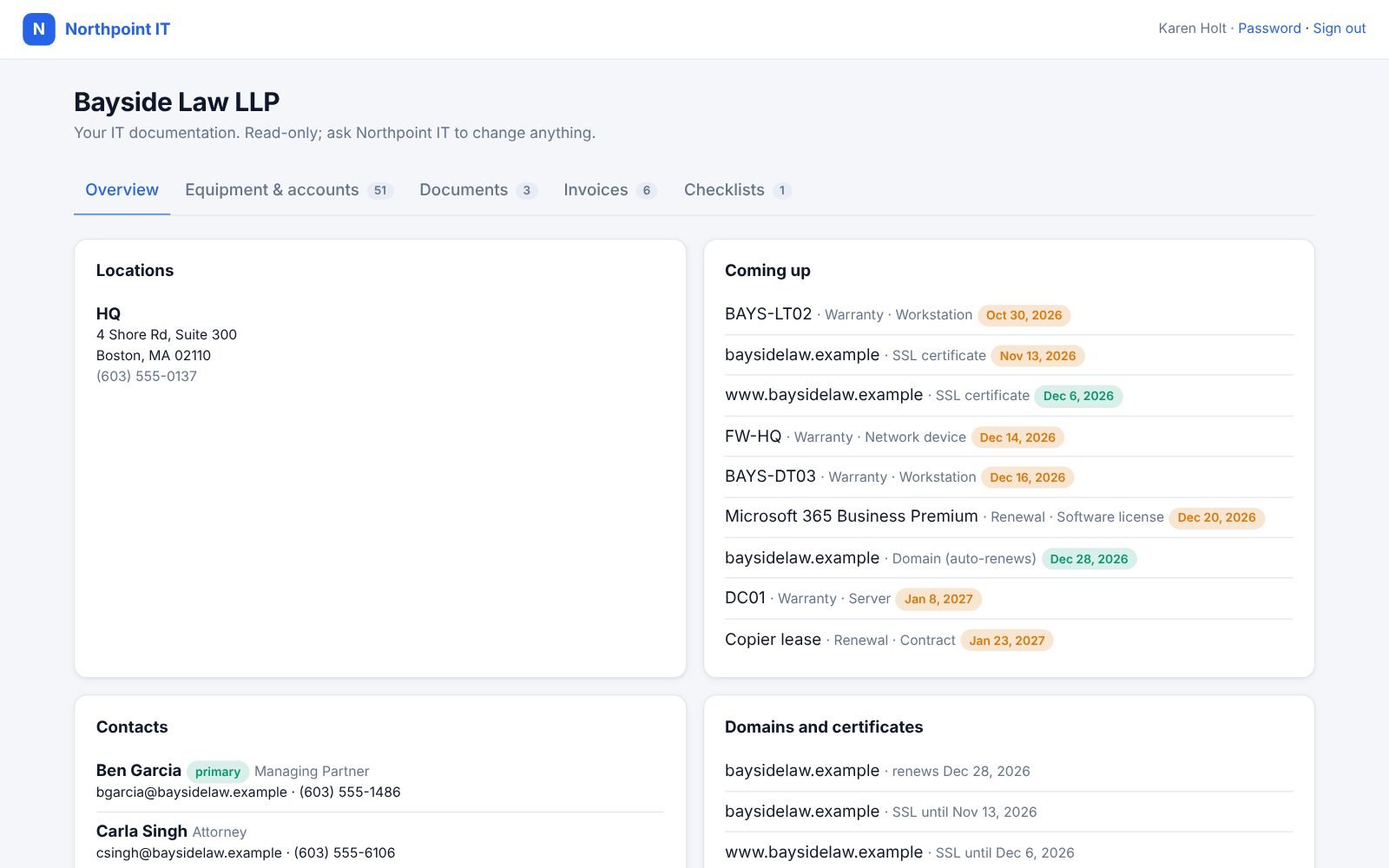
Can my clients see their documentation?

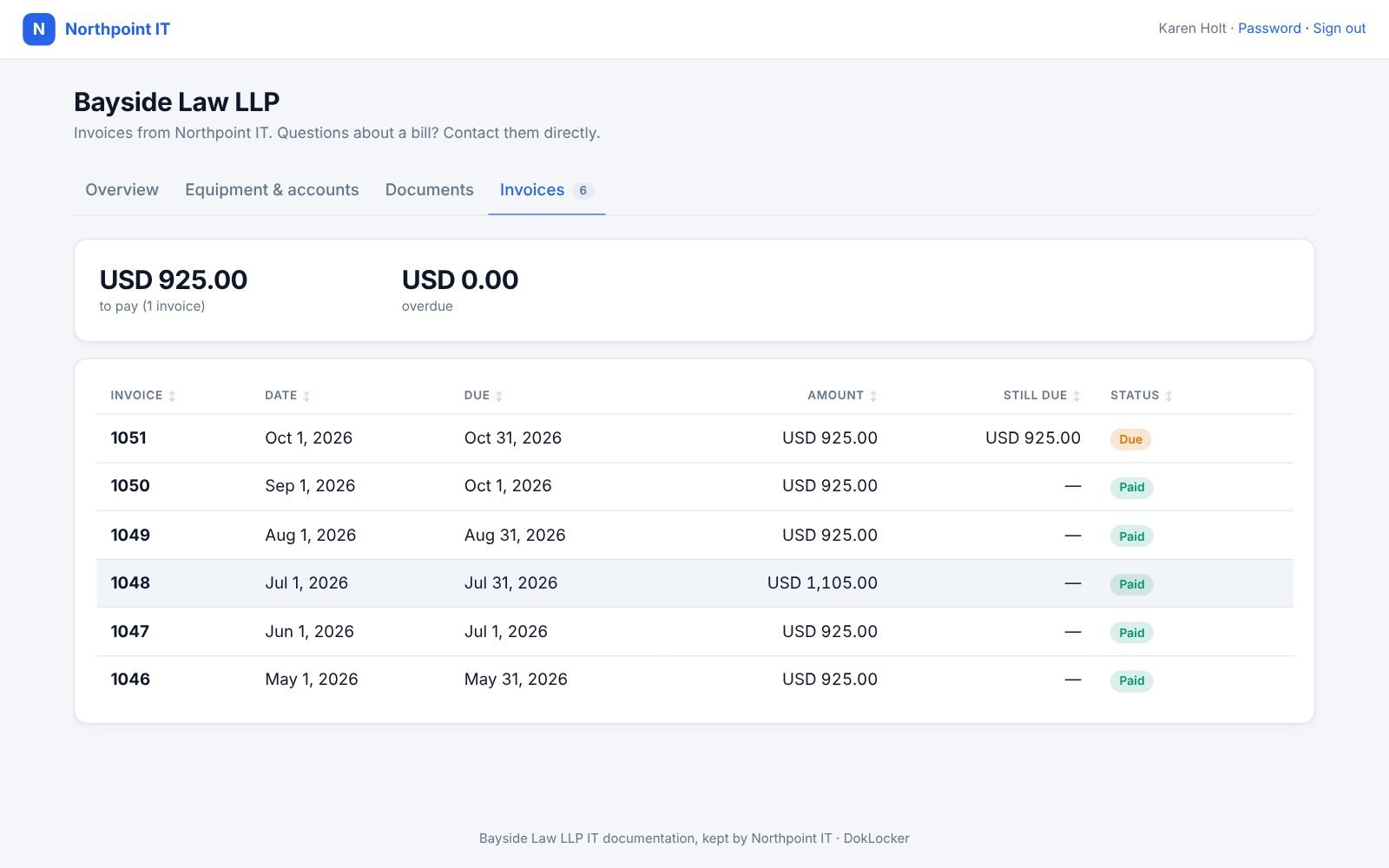
Yes, through a portal with your name and logo. You choose exactly what each client can see, including invoices.

See it with your own clients in mind.

Book a 20-minute demo and we'll show you your own switch from IT Glue or Hudu. Or just look around the live demo.